Accounts and sign-in
Registration
Registration at /register takes an email address, a password and a proof-of-work captcha. A confirmation link is emailed to you. You can sign in only after opening it, and accounts that are not confirmed within 1 hour are deleted.
The page always reports success, even if the address is already registered. This stops others from finding out who has an account.
Passwords
At least 8 characters, with at least one uppercase letter, one digit and one non-alphanumeric character. The same rules apply when you register, reset or change a password.
Signing in
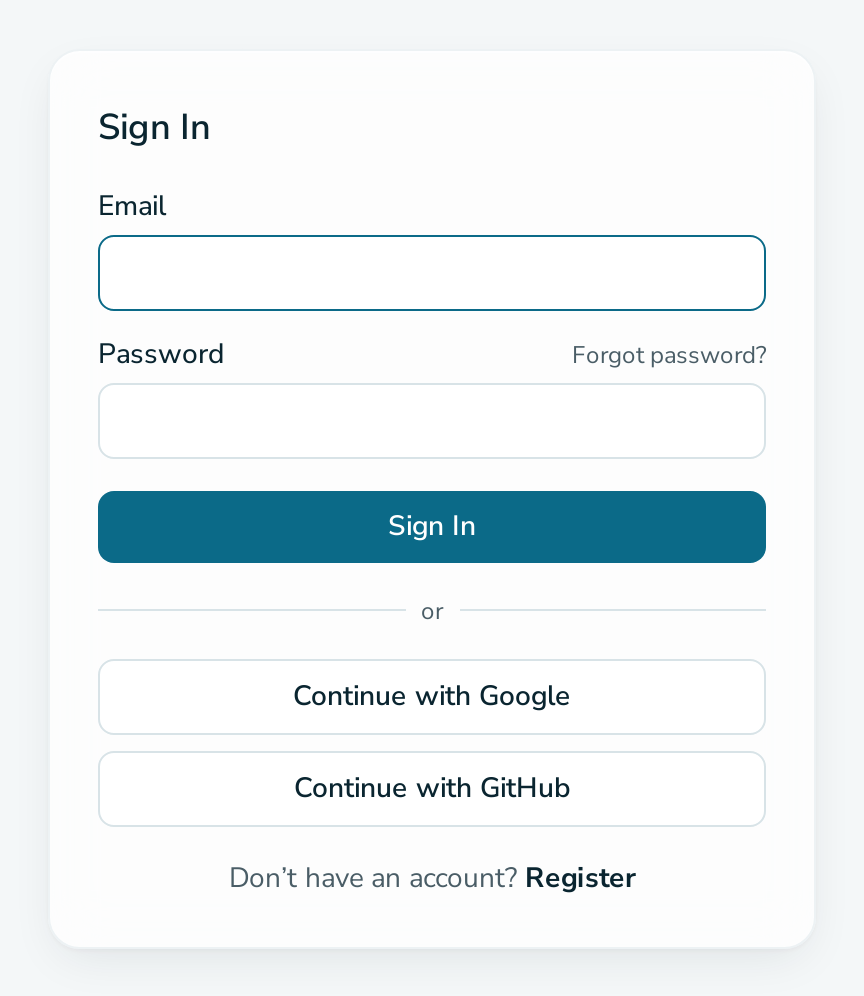
- Email and password.
- Continue with Google. The Google address must be verified.
- Continue with GitHub. The GitHub account needs a public email address.
Signing in with Google or GitHub uses the existing account with the same email address, or creates one. A session lasts 30 days.
Account settings
/manage/settings shows your email address and lets you change your password. You need your current password if the account has one. The email address cannot be changed.
Accounts are deleted by platform operators.