How do I control whether search engines index my status page?
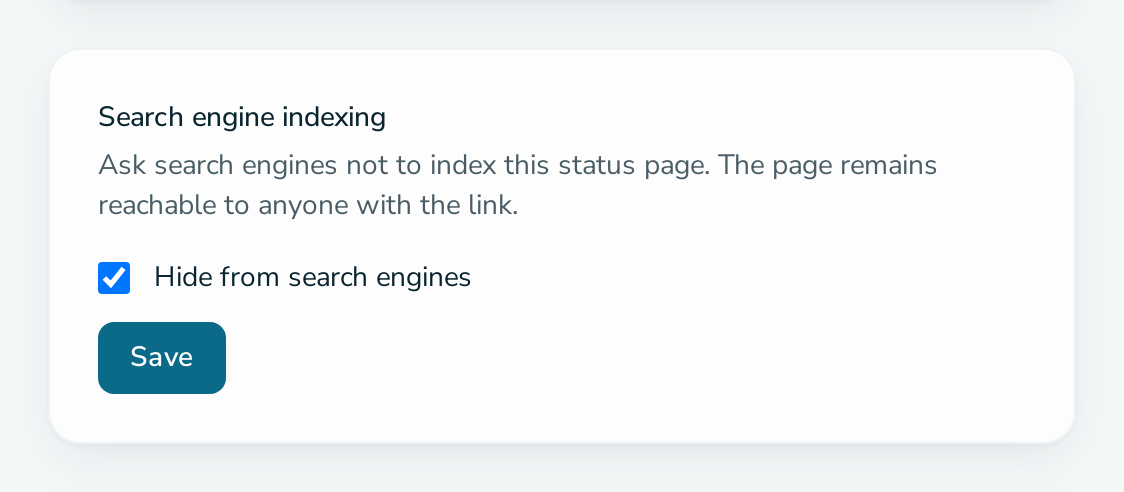
Open Settings, find the Search engine indexing card and clear or tick Hide from search engines, then select Save. Allowing indexing needs the PRO plan.
Before you start
- You are a service ADMIN.
- The page is public. Pages behind a secret link or password are never indexed.
- To allow indexing, the service is on PRO. On FREE the box stays ticked and the card says an upgrade is needed. See how to request PRO.
Steps
- Open the service and select Settings.
- In Search engine indexing, clear Hide from search engines to allow indexing, or tick it to block indexing.
- Select Save.
Questions
What do search engines show for my page?
The title is the service name, and the description is the service description. Edit both under Settings. Component pages use the component name and description.
How long until my page appears in search results?
Status Raptor only removes the noindex instruction. How long a search engine takes to pick the page up is up to the search engine.