How do I create my first service?
Sign in, open My Services, select New Service, fill in the name, slug and type, then select Create Service. Your status page is live at /status/{slug} right away.
Before you start
- You are signed in.
- You have not reached the limit of 2 services per account. Services you created and services you joined both count.
Steps
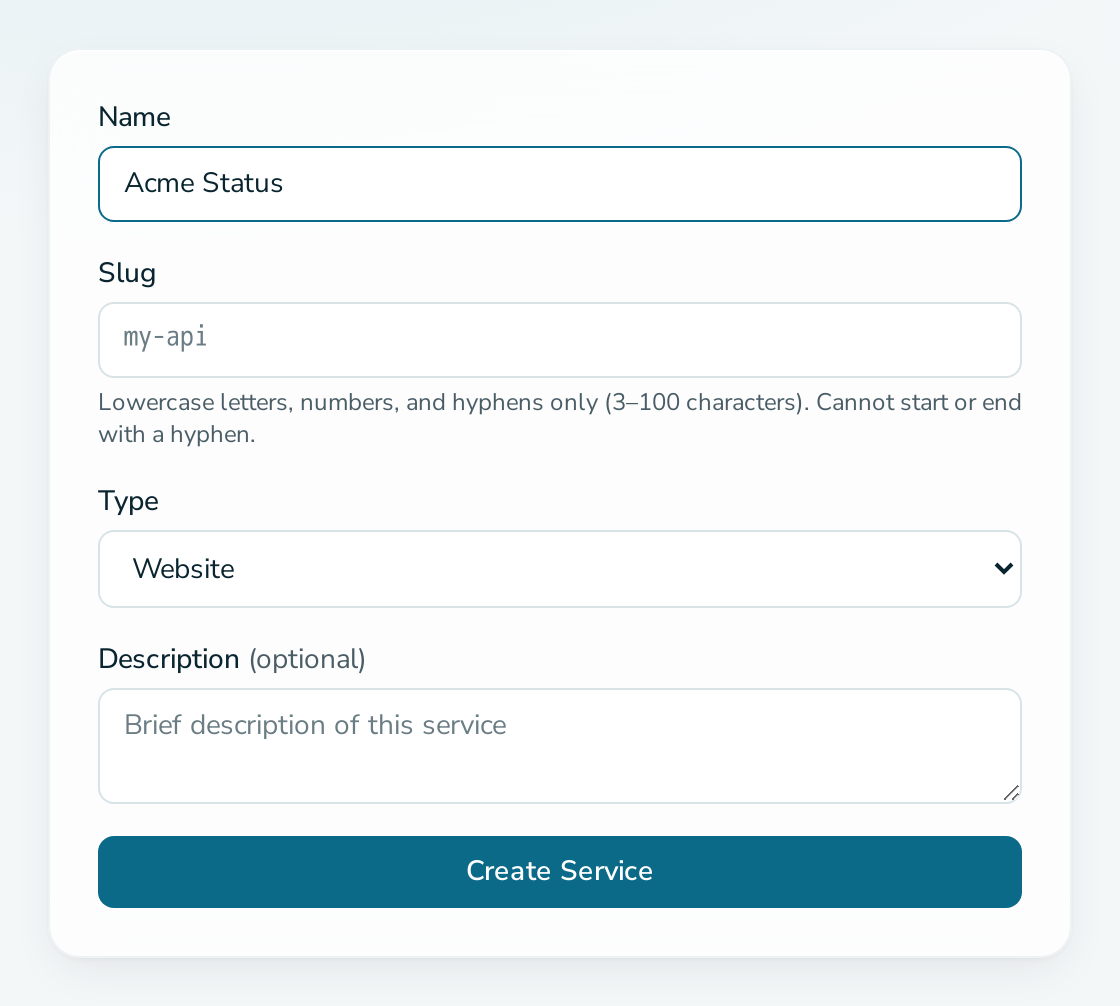
- Select New Service on the services page.
- Enter a Name, for example
Acme Cloud. - Check the Slug. It is suggested from the name and becomes the address:
/status/acme-cloud. Use lowercase letters, numbers and hyphens, 3 to 100 characters. - Choose a Type and optionally add a Description.
- Select Create Service.
Questions
Can I change the slug later?
The slug is the address of your page, so choose it carefully. The name, type and description can be changed under Settings.
Who can see the page?
Anyone with the address. See how to put the page behind a password.
What should I do next?
Add components and post a status update.