Components
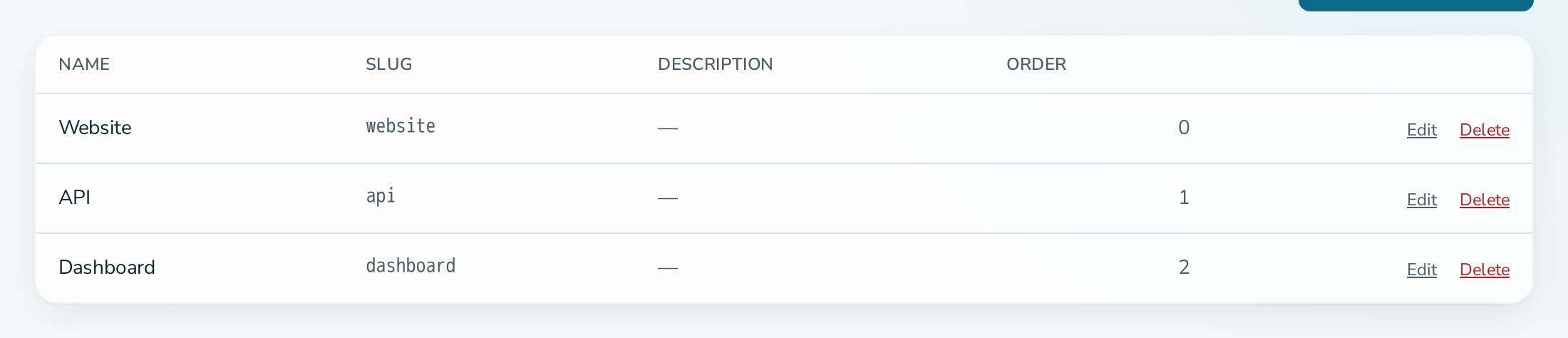
Components split a service into parts, for example Website, Application Programming Interface (API) and Dashboard. Each component has its own status, its own 90-day history bar and its own page at /status/{slug}/{component}.
Fields
| Field | Rules |
|---|---|
| Name | Required, up to 256 characters. |
| Slug | The Uniform Resource Locator (URL) name. Lowercase letters, numbers and hyphens, unique within the service. It cannot be changed later. |
| Description | Optional, up to 4096 characters. |
| Sort order | A number. Components are listed in ascending order. |
How status works
- A component update changes the component only. It does not change the status of the service itself.
- The headline status on the public page is the worst status across the service and all its components.
- A monitor can be attached to a component, so its results change that component's status. See monitoring.
Who can manage components
OPERATIONS and ADMIN members can add, edit and delete components. Every member can view them.
Deleting a component
Deleting a component also deletes the monitors attached to it. Its history is kept.