How do I create or revoke an API key?
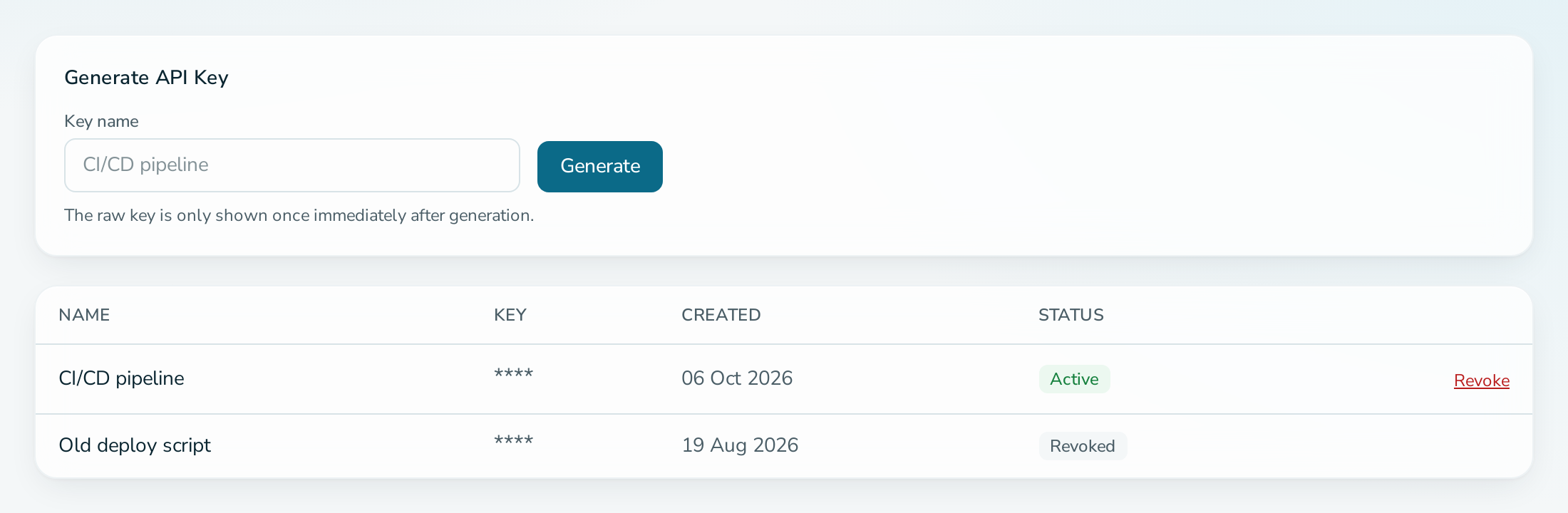
Open the service, select API Keys, enter a key name and select Generate. Copy the key at once, because it is shown only one time. To revoke a key, select Revoke on its row. A key lets scripts and tools use the Application Programming Interface (API) of your service.
Before you start
- You are an ADMIN of the service.
Steps to create a key
- Open the service and select API Keys.
- Under Generate API Key, enter a Key name, for example
CI/CD pipeline. - Select Generate.
- Copy the key and store it in your secret manager.
Steps to revoke a key
- Open API Keys.
- Select Revoke on the key and confirm.
Questions
I lost the key.
Revoke it and generate a new one. Only a hash is stored, so a key cannot be shown again.
Can one key work on several services?
No. A key works only on the service it was created for.