How do I add components to a service?
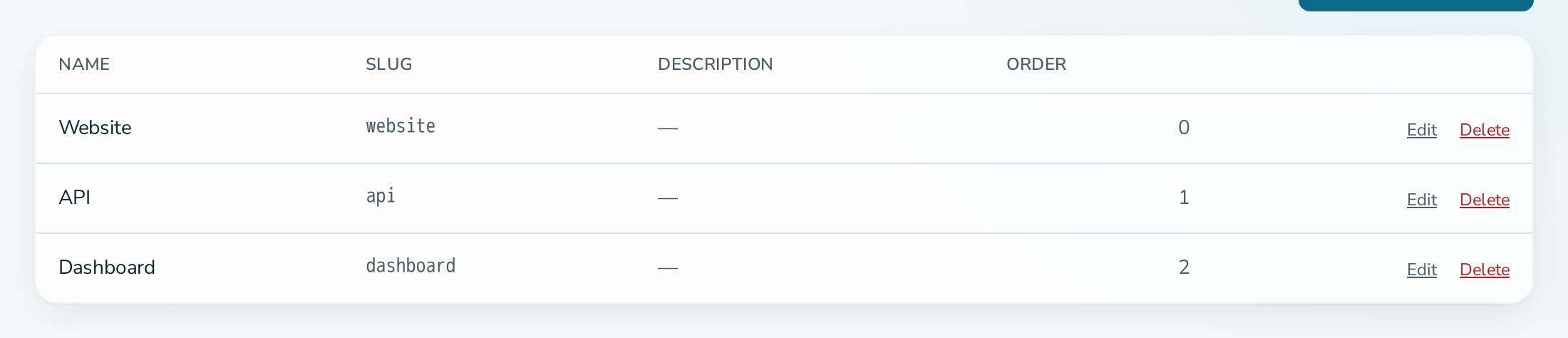
Open the service, select the Components tab and add a component with a name, slug and optional description and sort order.
Before you start
- You are an OPERATIONS or ADMIN member of the service.
Steps
- Open the service and select Components.
- Under Add Component, enter a Name, for example
API Gateway. - Check the Slug, for example
api-gateway. It cannot be changed later. - Optionally add a Description and a Sort order. Lower numbers come first.
- Select Add.
Questions
How do I reorder components?
Edit each component and change its Sort order.
How do I remove a component?
Select Delete on the component row. This also deletes the monitors attached to it. History is kept.
Does a component update change the whole service?
No. The headline status is the worst status across the service and all components.