How do I invite a team member?
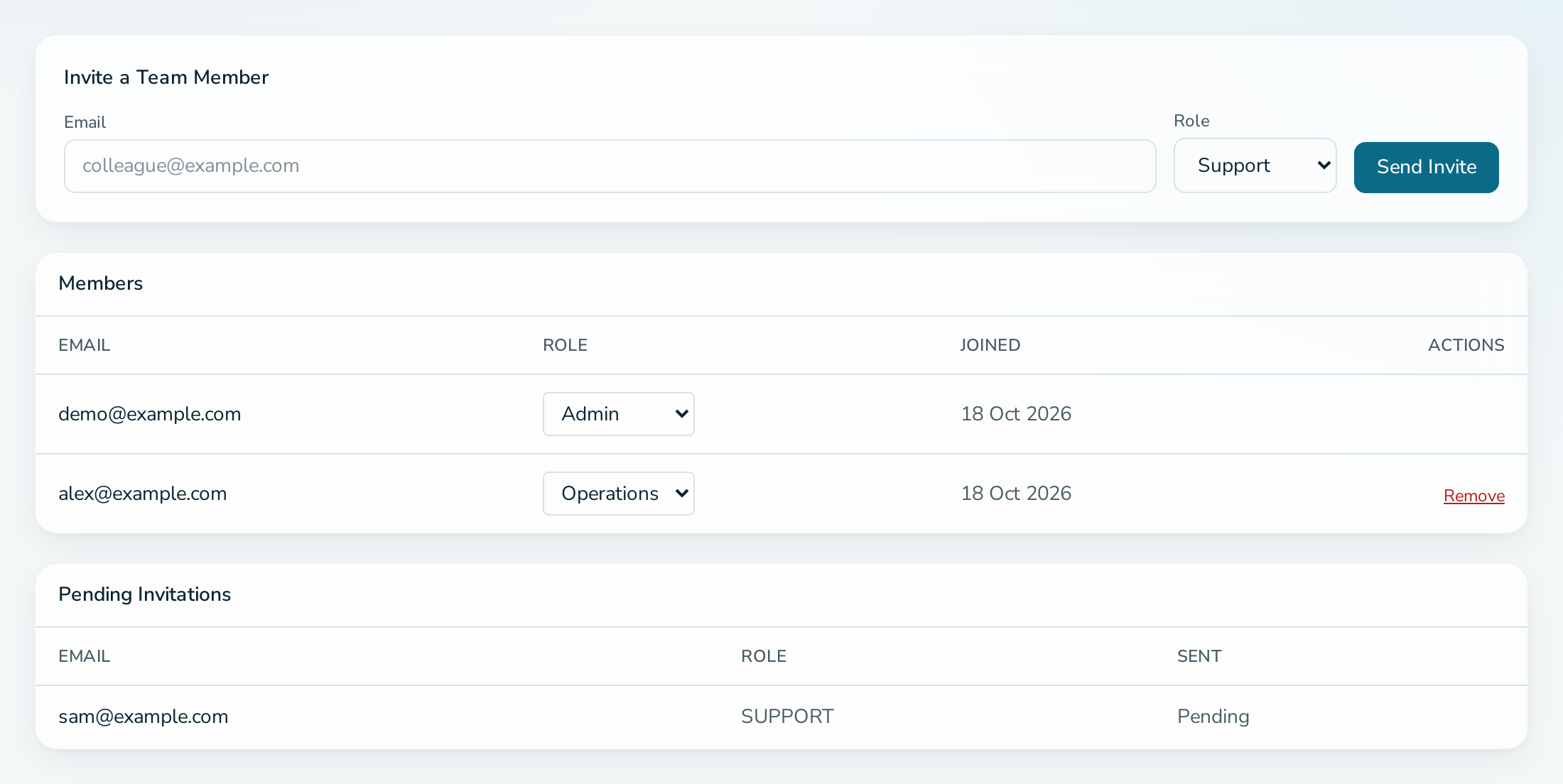
Open the service, select Team, enter the person's email address, choose a role and select Send Invite. The person must already have an account.
Before you start
- You are an ADMIN of the service.
- The service has not reached its member limit: 5 on FREE, 25 on PRO.
- The person has registered. Ask them to create an account first.
Steps
- Open the service and select Team.
- Under Invite a Team Member, enter the Email and choose the Role.
- Select Send Invite.
Questions
The person has no account. What happens?
Nothing is sent, and the page shows the same message as for a registered address. Ask them to register, then invite again.
Where can I see pending invitations?
Under Pending Invitations on the Team tab.
Can the invitee be in too many services?
Each account can belong to 2 services by default, created or joined. Accepting fails if the invitee has reached that limit.