How do I change my password?
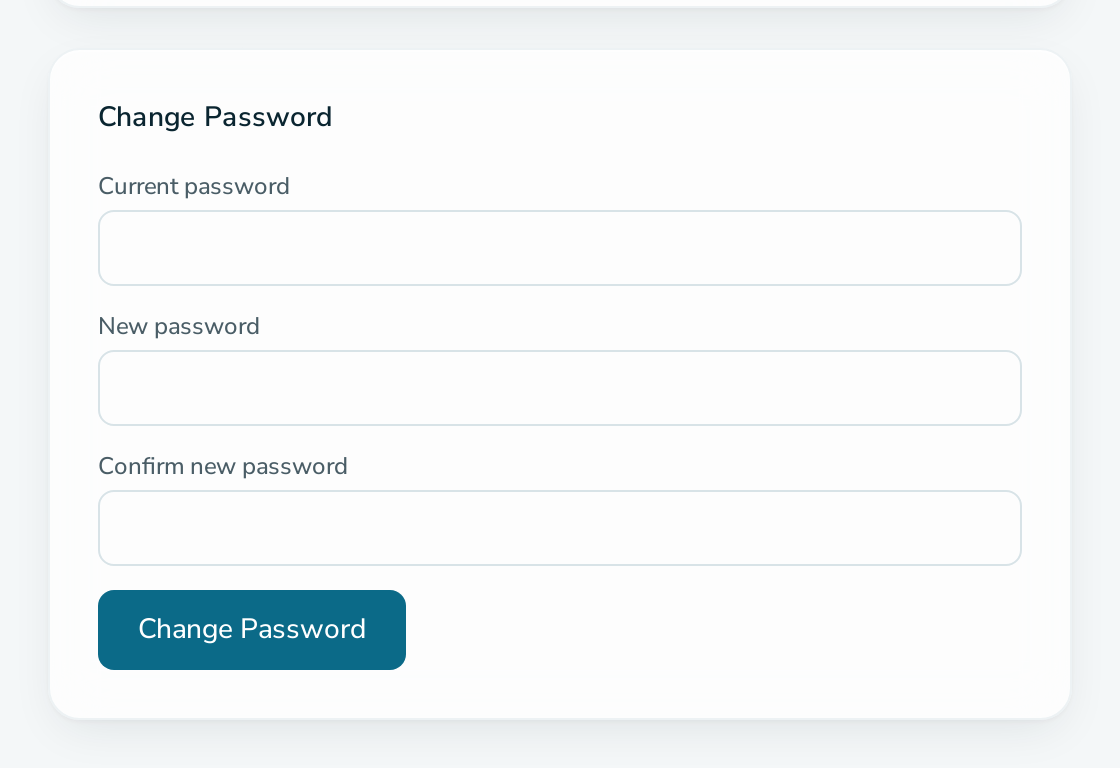
Open /manage/settings, enter your current password and a new one, and select Change Password.
Steps
- Open
/manage/settings. - Under Change Password, enter Current password, New password and Confirm new password.
- Select Change Password.
Questions
What are the password rules?
At least 8 characters, with an uppercase letter, a digit and a non-alphanumeric character.
Can I change my email address?
No. The email address of an account cannot be changed.